FIVEWIN FAQ – Frequently Asked Questions & Account Support
Welcome to the FIVEWIN FAQ page, where you can find helpful answers to common questions about account registration, login, application downloads and platform settings. This guide also explains how to manage your password, check available currencies and contact customer support. Whether you are creating an account for the first time or resolving an access issue, explore the sections below for practical instructions and useful information.
- 1. FIVEWIN FAQ – General Platform Information
- 2. Application Download & Installation Guide
- 3. Language Settings & Preferences
- 4. Customer Service & Support Assistance
- 5. Supported Currencies & Payment Information
- 6. Account Registration Guide
- 7. Account Password Management
- 8. Forgot Password & Account Recovery
- 9. Login Issues & Troubleshooting
FIVEWIN FAQ – General Platform Information
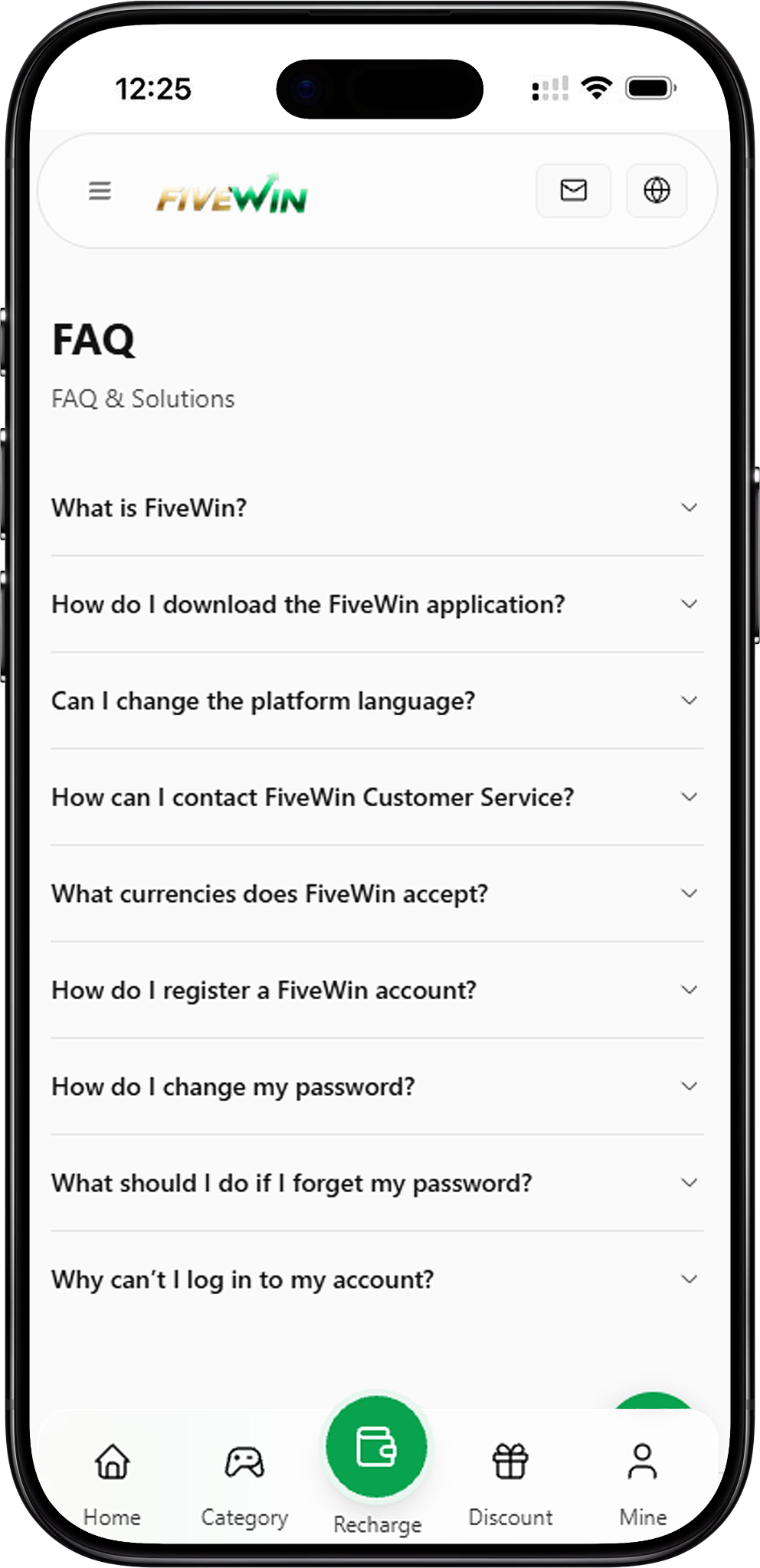
This section introduces the platform and explains the entertainment services available to members. Users can explore different gaming categories, manage their accounts and access promotional information through the website or application. Understanding the platform’s main features can help new members navigate its services more easily.
What is FiveWin?
FiveWin is an online entertainment platform offering a variety of games and promotional rewards. Its gaming categories include Slots, Live Casino, Sportsbook, Fishing and other available entertainment options. The platform aims to provide members with a convenient, secure and enjoyable experience through accessible account features and customer support services.
What types of games are available?
Members can explore several gaming categories, including slot games, live dealer casino games, sports betting and fishing games. Each category offers different gameplay experiences and available game providers. Users can visit the Games section to browse the available titles and discover entertainment options that match their interests.
Can I access the platform on different devices?
Yes. The platform provides access through compatible mobile devices and desktop computers. Users can visit the website through a supported browser or follow the available application installation instructions for their devices.
Application Download & Installation Guide
The Download section provides instructions for accessing the application on Android, iOS and desktop devices. Installation methods may vary depending on the device and operating system. Users should follow the instructions provided through the official website to complete the setup process.
How do I download the FiveWin application?
Visit the official website and select the Download option. Choose the installation guide for your device, then follow the displayed instructions to download or install the application. For security, avoid unofficial websites and unverified third-party download links.
Step 1: Visit the Official Website
Open a compatible browser on your smartphone, tablet or computer. Navigate to the official website and wait for the homepage to load before proceeding.
Step 2: Select the Download Option
Locate the Download section on the website. The installation guide provides options for Android, Desktop and iOS devices. Select the option that matches your device.
Step 3: Choose Your Device
Select Android if you are using an Android smartphone or tablet, iOS if you are using an iPhone or iPad, or Desktop if you are accessing the platform through a computer.
Step 4: Follow the Installation Instructions
Follow the instructions displayed for your selected device. Depending on the available installation method, you may need to download an application file or complete a browser-based installation process.
Step 5: Complete the Setup
Finish the installation according to your device’s instructions. Once completed, open the application or website shortcut to access the platform. For more detailed instructions, visit the dedicated Download page.
Language Settings & Preferences
The platform provides language settings that allow members to choose from the available display languages. This feature helps users navigate menus, account settings and other platform information according to their preferences.
Can I change the platform language?
Yes. Go to your Profile, select Language and choose your preferred language from the available options. The platform will display supported content according to your selected language.
How do I update my language settings?
Log in to your account and open the Profile section. Locate the Language option, review the available selections and choose your preferred language.
What if my preferred language is unavailable?
The available language options are determined by the platform. If your preferred language is not listed, select another available option or contact customer support for further information.
Customer Service & Support Assistance
Members can contact the support team when they need assistance with account access, registration, application installation or other platform-related enquiries. The official Live Chat feature provides a direct communication channel for requesting help.
How can I contact FiveWin Customer Service?
You can contact the support team through the Live Chat feature available on the official website or application. Open the chat function, explain your enquiry and follow the instructions provided by the support representative. Always use official customer service channels to protect your account information.
What issues can customer support assist with?
Customer support can help with general account enquiries, login difficulties, registration questions, password recovery and payment-related concerns. Members can also request guidance when they encounter problems navigating the platform.
Is customer service available 24 hours a day?
The platform states that its online customer service team is available 24 hours a day, seven days a week. Members can access the official Live Chat feature to request assistance with their enquiries.
How can I protect my account when contacting support?
Always contact support through the official website or application. Avoid sharing your account password with other people, and be cautious of unofficial messages or third-party contacts claiming to represent customer service.
Supported Currencies & Payment Information
Currency availability may vary depending on the user’s account region and the payment methods supported by the platform. Members can review the available currency options during registration and when accessing the relevant payment services.
What currencies does FiveWin accept?
The available currencies are displayed during registration and payment. Currency availability may vary according to your account region. Check the options shown on the platform to confirm which currencies are supported for your account.
Where can I check the supported currencies?
You can review the available currency selections during registration or when accessing the relevant payment section. The displayed options indicate the currencies currently available for your account.
Can currency availability differ between accounts?
Yes. Available currencies may differ depending on the account region. Members should refer to the options displayed within their accounts for the most relevant information.
Account Registration Guide
Creating an account allows eligible users to access member services and available entertainment features. The registration process requires users to provide accurate information, create login credentials, review the applicable terms and complete any necessary verification.
How do I register a FiveWin account?
Visit the homepage and select Register. Enter the required personal information, create your username and password, read and accept the applicable Terms and Conditions, and complete any required account verification. Once registration is successful, you can log in using your account credentials.
Step 1: Select Register
Open the official website and locate the Register option on the homepage. Select it to access the registration form.
Step 2: Enter Your Personal Information
Complete the required fields with accurate personal information. Ensure that the details provided belong to you and are entered correctly.
Step 3: Create Your Login Credentials
Choose a username and create a password according to the requirements displayed on the registration form. Keep your login credentials secure for future account access.
Step 4: Accept the Terms and Conditions
Review the applicable Terms and Conditions before accepting them. Make sure you understand the relevant account requirements and platform rules.
Step 5: Complete Account Verification
Follow any verification instructions displayed during registration. Additional information may be required to complete the account setup process.
Step 6: Log In to Your Account
After completing registration and any required verification, return to the login page and enter your username and password to access your account.
Account Password Management
Password management is an important part of maintaining account security. Registered members can update their login passwords through the available profile settings. Changing your password when necessary helps protect your account credentials.
How do I change my password?
Log in to your account, go to Profile and select Change Password. Enter your current password, create and confirm your new password, then select Submit to save the changes.
Step 1: Log In to Your Account
Visit the official website or application and sign in using your current username and password.
Step 2: Open Your Profile
Navigate to the Profile section after logging in. This section provides access to available account settings.
Step 3: Select Change Password
Find the Change Password option within your account settings and open the password update form.
Step 4: Enter Your Current Password
Enter your existing password in the required field to confirm your current login credentials.
Step 5: Create a New Password
Enter your new password and repeat it in the confirmation field. Ensure both entries match and follow the password requirements displayed on the platform.
Step 6: Submit Your Changes
Select Submit to save your updated password. Use your new password the next time you access your account.
Forgot Password & Account Recovery
If you forget your account password, the login page provides a recovery option to help you begin the reset process. Follow the displayed instructions carefully to restore access to your account.
What should I do if I forget my password?
Select Forgot Password on the login page and follow the instructions to reset your password. If you cannot complete the process, contact customer service through the official support channel for assistance.
Step 1: Visit the Login Page
Open the official website and navigate to the login page. Locate the Forgot Password option near the login form.
Step 2: Select Forgot Password
Click or tap Forgot Password to begin the account recovery process.
Step 3: Follow the Recovery Instructions
Complete the required steps displayed on the screen. The recovery process may involve confirming information associated with your account.
Step 4: Contact Support if Necessary
If you are unable to complete the password recovery process, use the official Live Chat feature to request assistance from customer service.
Login Issues & Troubleshooting
Account login difficulties may occur because of incorrect credentials, temporary browser issues or other access problems. Before contacting customer support, members can try several basic troubleshooting methods to identify and resolve common login issues.
Why can’t I log in to my account?
Check that your username and password are correct. You may also try refreshing the page, clearing your browser cache or resetting your password. If the issue continues, contact customer service for further assistance.
Check Your Username and Password
Verify that you have entered the correct login credentials. Check for typing errors, unnecessary spaces and incorrect capitalization before attempting to sign in again.
Refresh the Login Page
Reload the website and try logging in again. Refreshing the browser may resolve temporary loading or display issues.
Clear Your Browser Cache
If the login page is not functioning correctly, try clearing your browser cache and reopening the website. You may also attempt to access the platform using another compatible browser.
Reset Your Password
If you cannot remember your password, select Forgot Password and follow the account recovery instructions provided on the login page.
Contact Customer Support
If the issue remains unresolved after checking your credentials and completing the troubleshooting steps, contact the official support team through Live Chat for additional assistance.
Need Help With Your Account?
If you have questions about registration, login, downloads or account settings, contact the support team through the official Live Chat feature. Assistance is available for general enquiries and account-related issues.